
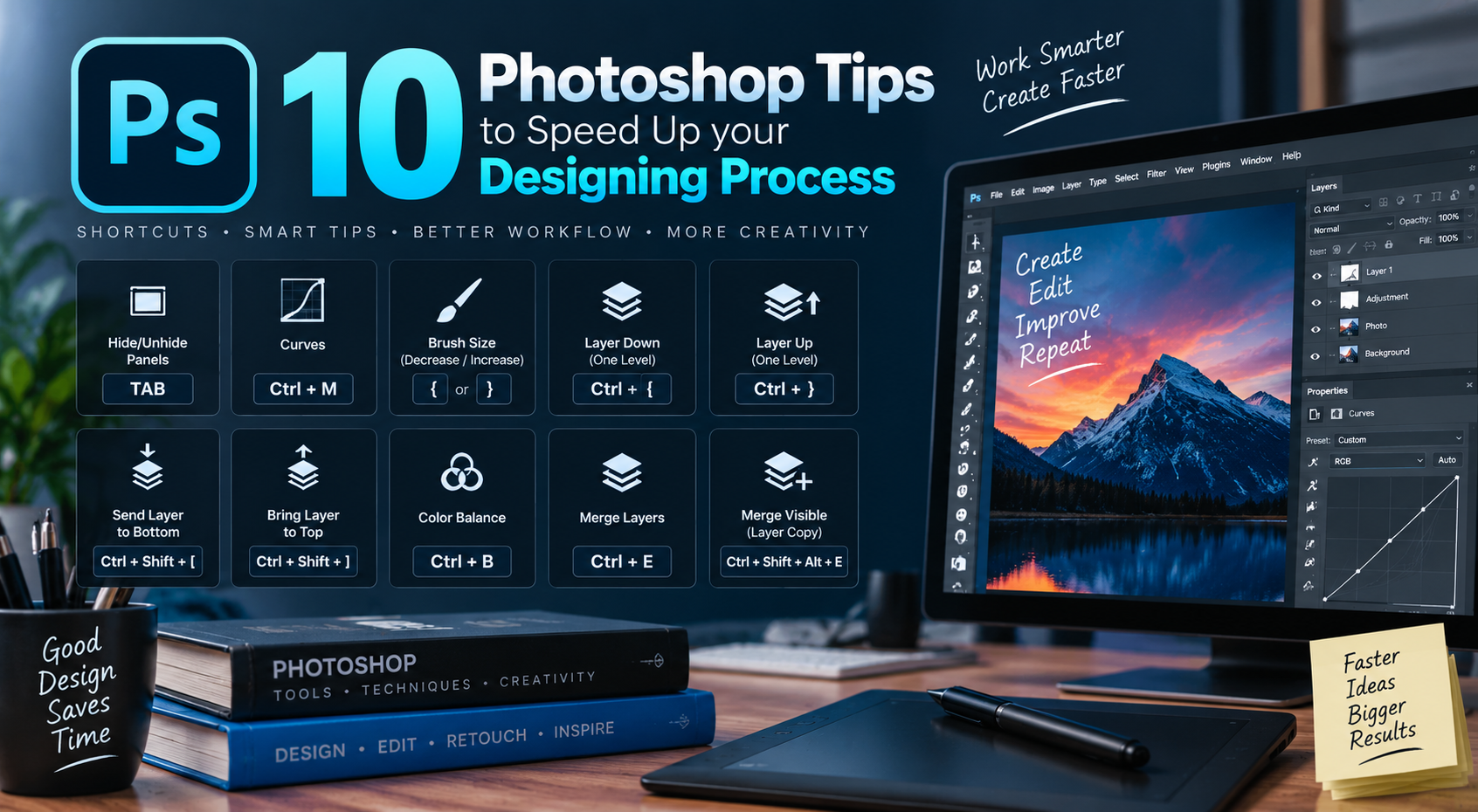
As we all know, Photoshop is the most used software for Graphic Designing purpose as well as making digital painting. Though there are a lots of other raster graphic software which are competitor of Photoshop, but most of the designer and artist prefers Photoshop for its user friendly and easy to use interface. I’m here sharing some simple tips which will save your time during designing or painting in Photoshop. They are just some keyboard shortcuts and as we all know, shortcuts always saves our time.
- Press TAB on your keyboard to hide/unhide all opened panels and tools
- To open Curves window, press Ctrl/Cmd+M
- Increase/decrease your brush size by pressing } or {
- Bring a layer bottom of another layer by pressing Ctrl/Cmd+{
- Bring a layer top of another layer by pressing Ctrl/Cmd+}
- To send a layer bottom of your layer panel, press Ctrl/Cmd+Shift+[
- To bring a layer top from bottom of your layer panel, press Ctrl/Cmd+Shift+]
- Open color balance window for your graphic/image by pressing Ctrl/Cmd+B
- Merge layers by pressing Ctrl/Cmd+E
- To merge a copy of your all your layers in layer panel, press Ctrl/Cmd+Shift+Alt+E
