
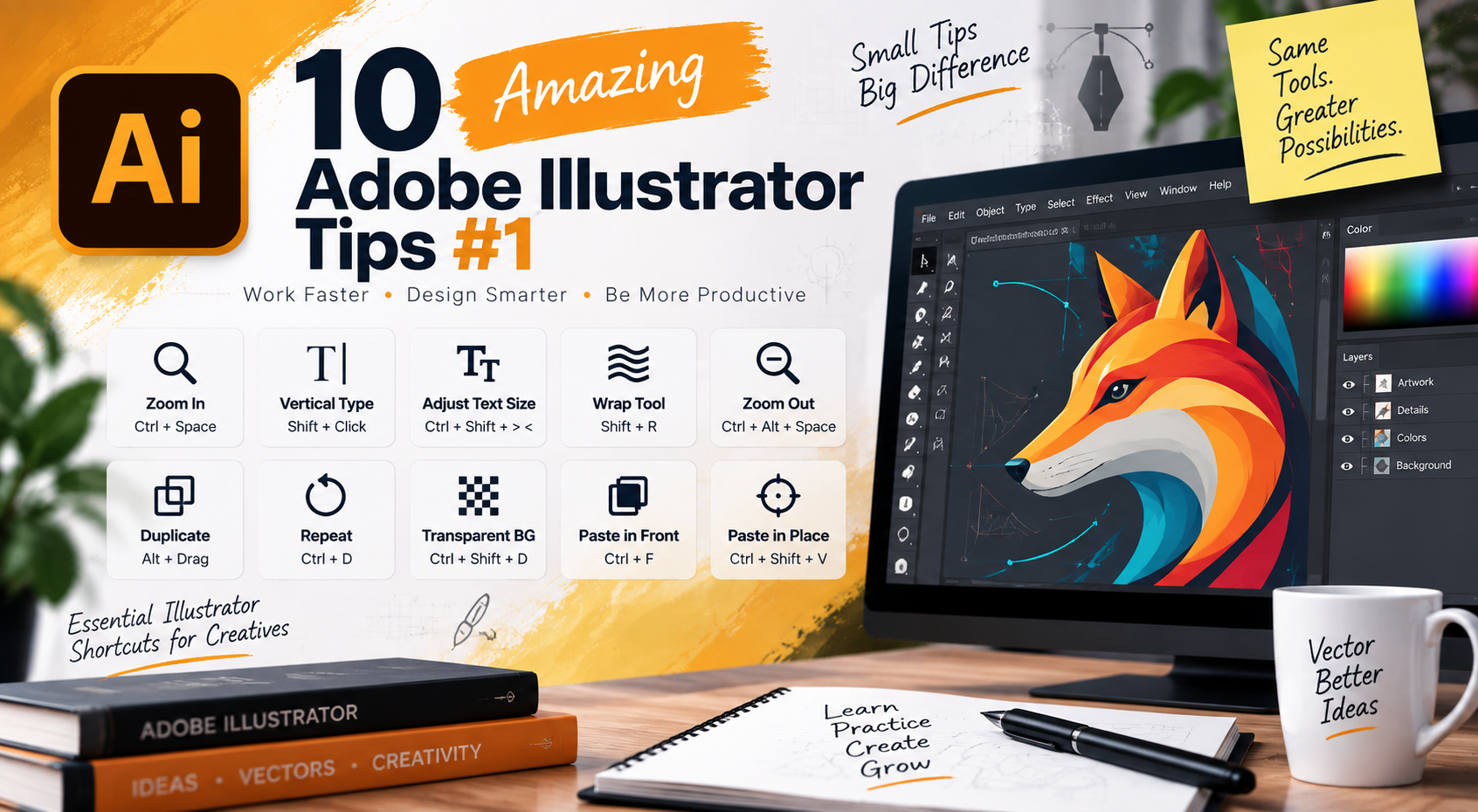
Here are few Adobe Illustrator tips and shortcuts exclusively for vector graphic lovers. Whether you are a professional or learner, shortcuts always save our time during work and I’m sure, you really want to know about how to decrease your project duration as well as satisfy the clients.
So here we go…
- Press Ctrl+Spacebar to switch Zoom In mode
- Press Shift+Click to switch to Vertical Type Tool while Type Tool is selected
- To increase/decrease the text size by two points, press Ctrl+Shift+ > or <
- Shift+R to select Wrap Tool
- Ctrl+Alt+Spacebar to switch to Zoom Out tool
- Alt+drag to duplicate any object on canvas
- Ctrl+D to repeat any activity on canvas
- Ctrl+Shift+D to make the background transparent
- Ctrl+F to paste in front
- Ctrl+Shift+V to paste in place
